
Play Plants vs Brainrots Online and defend your garden from the Brainrots. Grow and upgrade your crops, and earn income from the Brainrots you destroy.
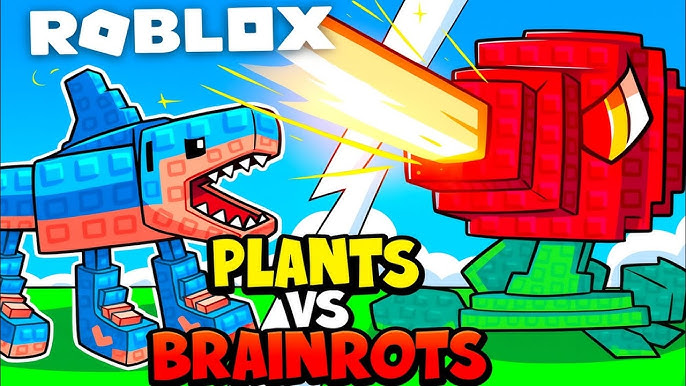
Plants vs Brainrots Online features the following:
Your goal in Plants vs Brainrots Online is to build a defense system using plants, destroy Brainrots, collect money, and upgrade to survive as long as possible and develop a stronger garden over time.
Income System: Destroyed Brainrots can generate passive income. The more you collect, the more money you have to grow faster.
Mutation & Rare: There are rare and mutated variants of both plants and Brainrots, which increase strength or income.
Rebirth: When you reach a certain level, you can "rebirth" to reset the game but receive a permanent boost for the next playthrough.
To play this game, you need to know what to do and how to arrange plants to defend against the Brainrots.
Plant and arrange plants: Buy seeds and plant combat plants in your garden to automatically attack approaching Brainrots.
Defeat waves of Brainrots: Each wave of Brainrots attacks — you must strategically position your plants to prevent them from penetrating deep into your garden.
Collect defeated Brainrots: Brainrots you defeat can become a source of passive income if placed in special slots in your base.
Earn money & upgrades: Use the money earned from Brainrots to buy more seeds, upgrade plants, expand your garden, and strengthen your defenses.
Advance stronger waves: The longer you play, the stronger and more types of Brainrots appear, making your mission even more challenging.
Click to: Select a tree, Plant a tree in an empty space. Press the upgrade/purchase button
Hold down the mouse and move: Move some objects or Brainrot to generate money
Number keys (1, 2, 3…): Quickly select a tree
ESC: Open menu/settings