Roller Coaster 3D is an exciting roller coaster simulation game that offers players a thrilling experience. Control your roller coaster through each level.
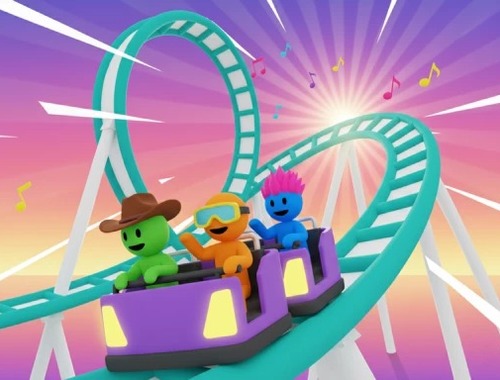
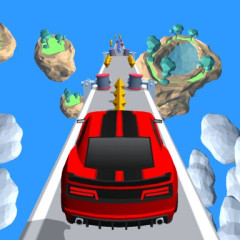
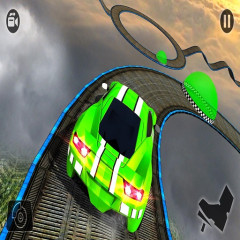
The tracks in Roller Coaster 3D are designed as a series of tracks suspended in mid-air, constantly winding and changing in height, creating a thrilling roller coaster-like sensation. The tracks have many steep sections where the roller coaster plunges at very high speeds, interspersed with sharp turns, 360-degree twists, and unexpected turns.
Some sections of track are quite narrow, without guardrails, meaning that a slight deviation or maintaining too high a speed can cause the roller coaster to fall off the track immediately. In addition, the game features sections of broken track, forcing players to carefully control their speed to navigate the gaps and continue their journey safely. The variety and danger of the tracks make each level tense and exciting.
Besides safely navigating the roller coaster to the finish line, the main objective in Roller Coaster 3D is to pick up as many passengers as possible throughout the journey. Along the tracks, players will encounter groups of people waiting; collecting them increases the score and the value of completing the level.
However, the more people you carry, the greater the responsibility. Players need to choose the right direction and track the branch, prioritizing routes without dangerous obstacles to ensure the safety of all passengers on board. If a collision occurs or the train falls off the tracks, passengers will be lost, and the level may end immediately.
The combination of collecting passengers, avoiding obstacles, and controlling speed makes Roller Coaster 3D a game that is both entertaining and challenging, testing the player's calculation skills and reflexes.
This game has very simple controls. Your roller coaster will always automatically glide along the tracks. You simply need to control it to tilt left or right to change lanes or avoid obstacles.
Pay close attention to the track ahead to adjust the roller coaster's direction accordingly. For example, if the track splits into two branches, you need to see which branch is safer to take.