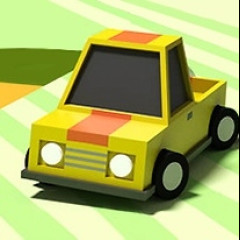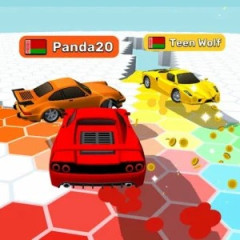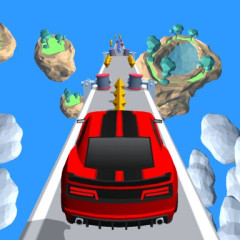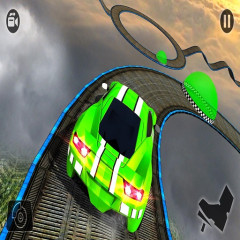
Sky Race 3D is a car race set on a track filled with twists, slopes, and obstacles. Each race features six cars competing to see who crosses the finish line first.
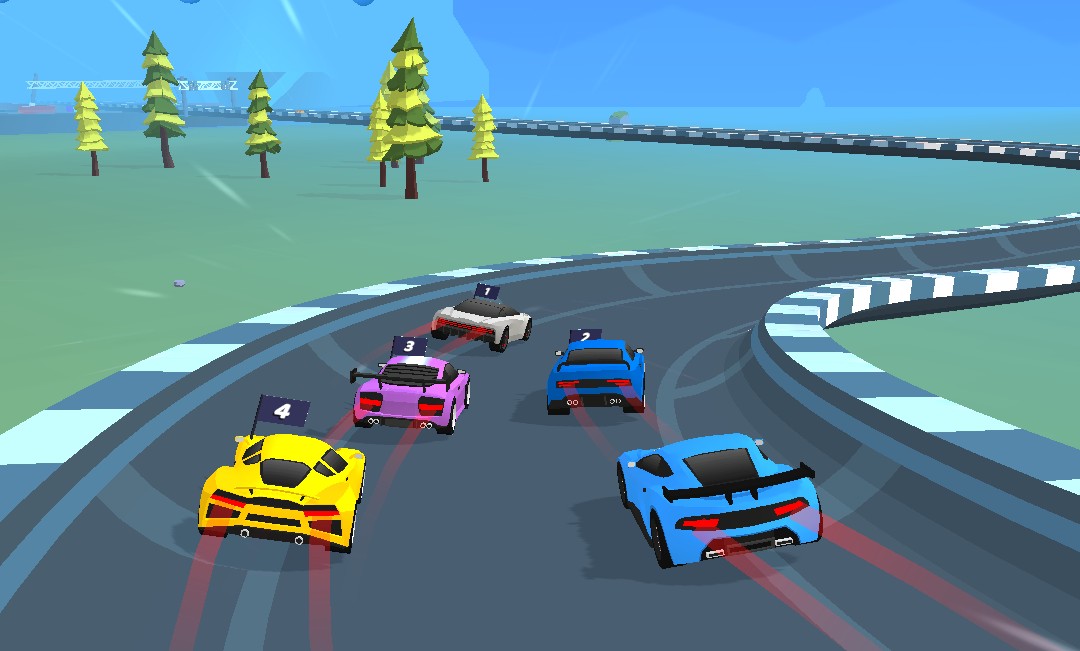
Sky Race 3D places you on a track suspended high above the ground, featuring various curves and slopes. Instead of driving on a flat surface, your car constantly navigates sections with changing elevations, making the race unpredictable.
Notably, some ramps can cause your car to lose contact with the track. Instead of being immediately eliminated, the car enters a "flight" mode, giving you the chance to steer and find a way to land back on the track.
Each level begins with six cars competing. Opponents don't just race ahead for position; they can also collide with you and knock your car off the track.
This causes race positions to shift constantly. You might be right on the heels of the leaders, but a single hard collision could send your car veering off course or flying into the air.
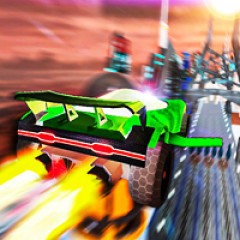
One of Sky Race 3D's most exciting mechanics is the flight mode. When the car is launched off the track, panels on its sides deploy like wings, allowing it to glide through the air instead of plummeting immediately.
During this time, you can still steer the vehicle. The goal is to find the right trajectory to land back on the track and continue racing. This phase demands quick reflexes; a slight miscalculation in steering could mean failing to find a safe landing spot.
Landing on the track or falling into the abyss? Not every jump ends with a successful landing. If the car flies too far off-course and you cannot steer it back to the track, it will plummet to the ground below.
Upon impact with the ground, the car is destroyed and explodes, ending the run. Therefore, once you leave the track, the priority isn't just distance—it is quickly realigning the car with the track to prepare for a safe landing.
Sky Race 3D uses mouse controls to steer the vehicle. The car automatically accelerates forward at high speed from the start, so you do not need to control forward movement. Instead, simply hold down the left mouse button and move the mouse left or right to adjust the car's direction.
This control method applies to various situations: dodging obstacles, knocking opponents off the track, or adjusting your trajectory while airborne. Notably, if the car flies off the track and enters "flight mode," you must continue holding the mouse button and moving it sideways to steer the car back on course, land safely, and continue the race.
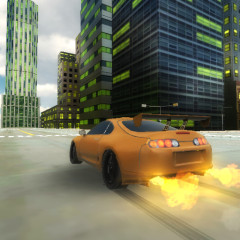
If you enjoy racing games that require agile handling, give Extreme Drift 2 a try to tackle even more challenging tracks.