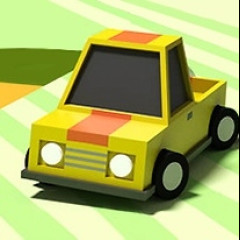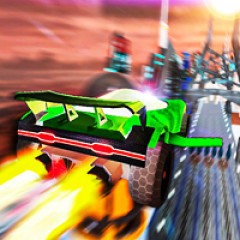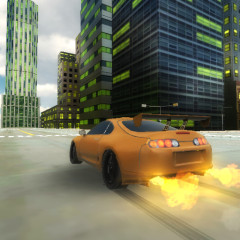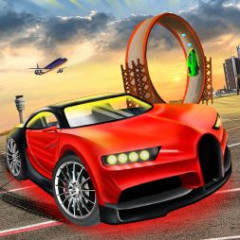
Turbo Type 3D is an innovative racing game where your 10-finger touch-typing skills serve as the engine, propelling your vehicle across vibrant 3D tracks.
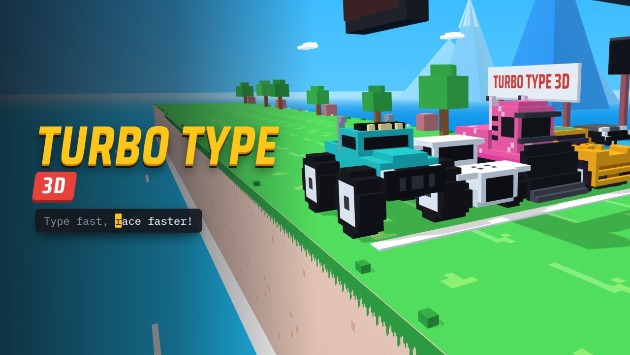
The following detailed summary of game modes in Turbo Type 3D will help you choose the challenge that best suits your typing skill level and practice goals:
| Game Mode | Description and Objectives |
|---|---|
| Race | Standard racing mode, where you compete directly against four AI opponents to claim victory at the finish line. |
| Daily Race | A daily updated racing challenge offering bonus coins and special rewards upon completion. |
| Rookie Cup | A beginner-friendly tournament with moderate speed, ideal for new players learning to type and race simultaneously. |
| Pro Cup | A professional championship demanding high-speed typing and absolute precision to defeat expert rivals. |
| Time Trial | A solo time attack mode where you compete against the clock to beat your personal lap records. |
| Pro Race | A high level single race featuring more complex vocabulary and highly competitive AI drivers. |
| Practice | A casual practice mode with no time pressure or opponents, helping you refine your ten-finger typing skills on the track. |
To master the high-speed typing challenges in Turbo Type 3D and dominate every track, get familiar with the core game rules and simple keyboard control scheme outlined below:
Keyboard-Based Racing Mechanism: Unlike traditional racing games that use a steering wheel or arrow keys, your vehicle's speed depends entirely on how quickly and accurately you type the English words that appear on the screen.
Race Objective: Accurately type the displayed words to propel your vehicle past AI opponents and cross the finish line first to secure a win.
Turbo & Drafting: Consistently typing characters accurately charges your vehicle’s "Turbo" boost. Additionally, driving directly behind an opponent allows you to take advantage of "drafting" (slipstreaming) to gain extra speed for overtaking.
Rewards & Progression: Based on your race results and leaderboard standing, you will earn coins. Achieving a perfect, error-free typing run grants bonus coins, which can be used to unlock vehicles from a collection of 72 unique models in the Garage.
Typing Letters (A–Z): Type the letters corresponding to the words displayed on the screen to accelerate your vehicle and surge forward.
Automatic Steering (No Steering): The system automatically guides the vehicle to stay within its lane. You do not need to use the W, A, S, D keys or the arrow keys to steer.
Enter / Spacebar: Use these to confirm the start of a race or to advance through menu selections.
H Key: Press the H key on your keyboard to sound the horn while racing.
A Key: Press the A key while in the menu interface to quickly view your list of achievements.
G Key: Press the G key from the main menu to quickly access the garage.
If you'd like to take a break from standard vocabulary drills and test your driving mettle against treacherous slopes and dangerous traps, check out Deadly Descent!